
Single imageRemove an unwanted person
Prompt
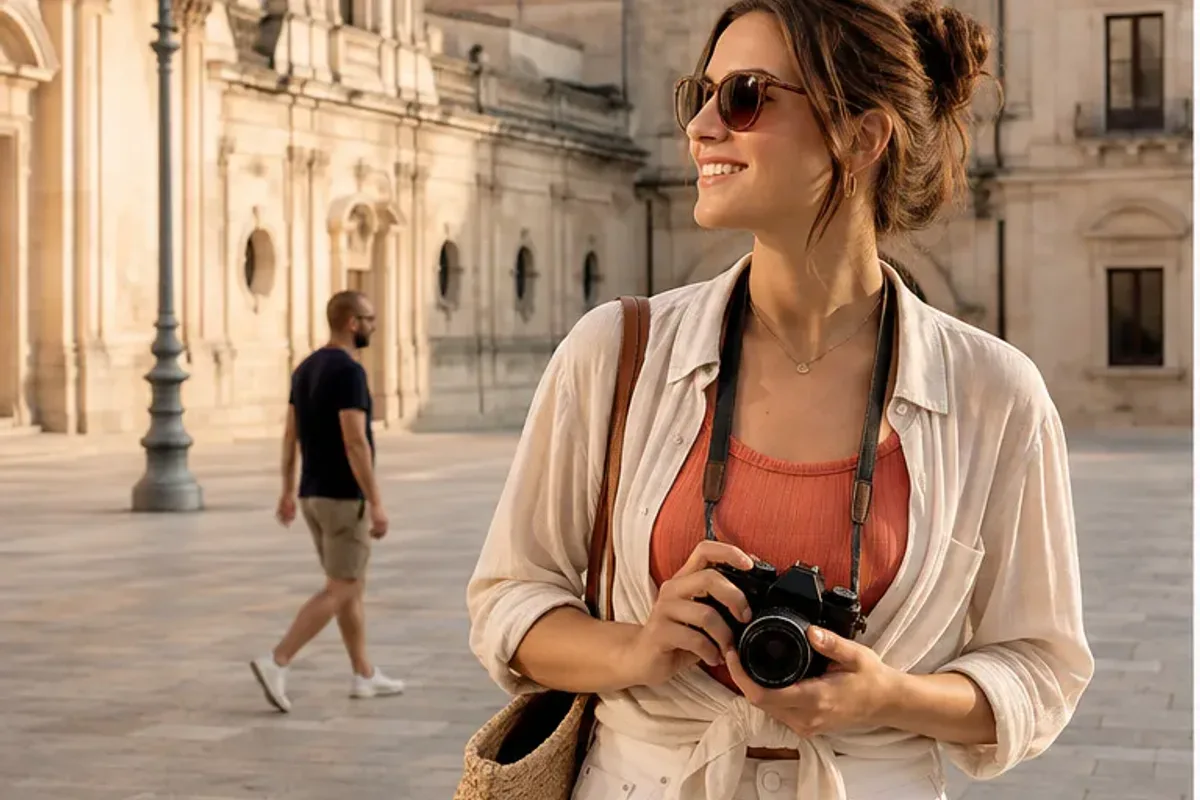
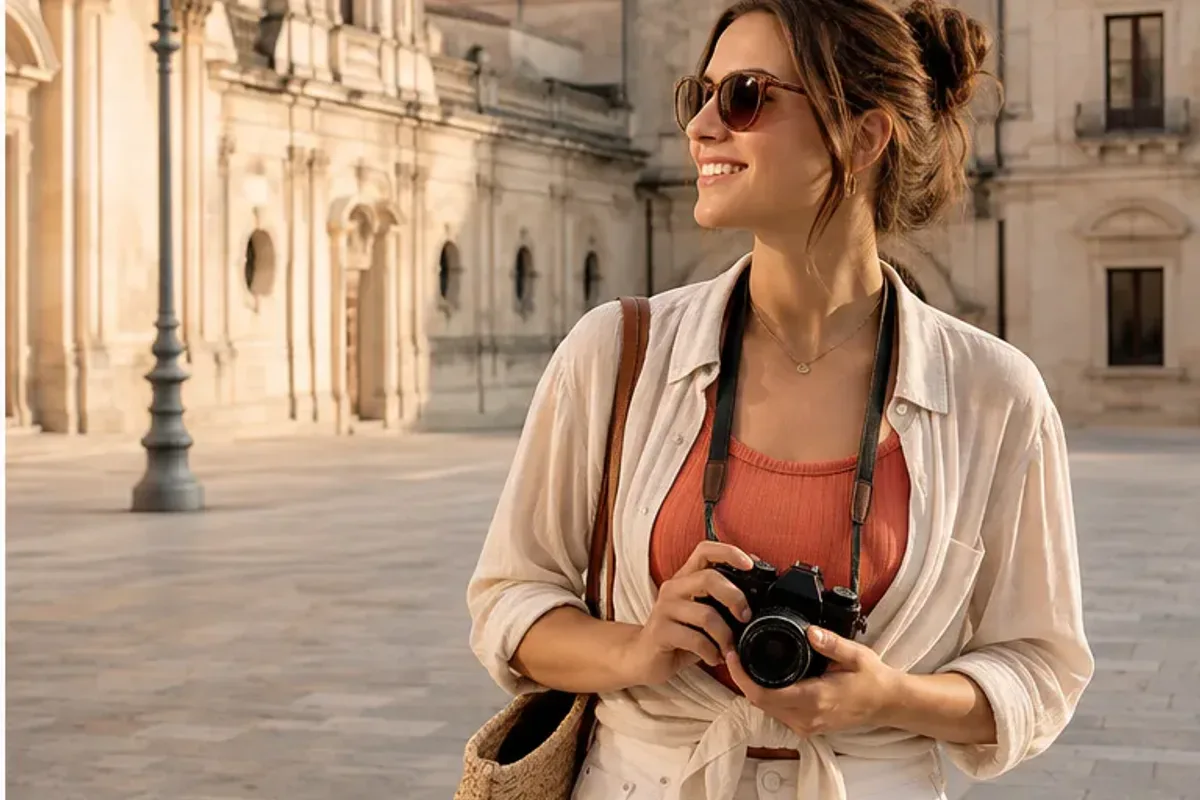
“Remove the passerby behind the traveler. Rebuild the plaza naturally and keep the subject, architecture, and warm light unchanged.”
Edit your photos with a simple prompt.
Remove unwanted objects, change backgrounds, retouch portraits, or combine two reference images. Upload your photo and describe what to change and what to keep.
1 free guest edit daily with Photo Edit · No sign-up needed to try
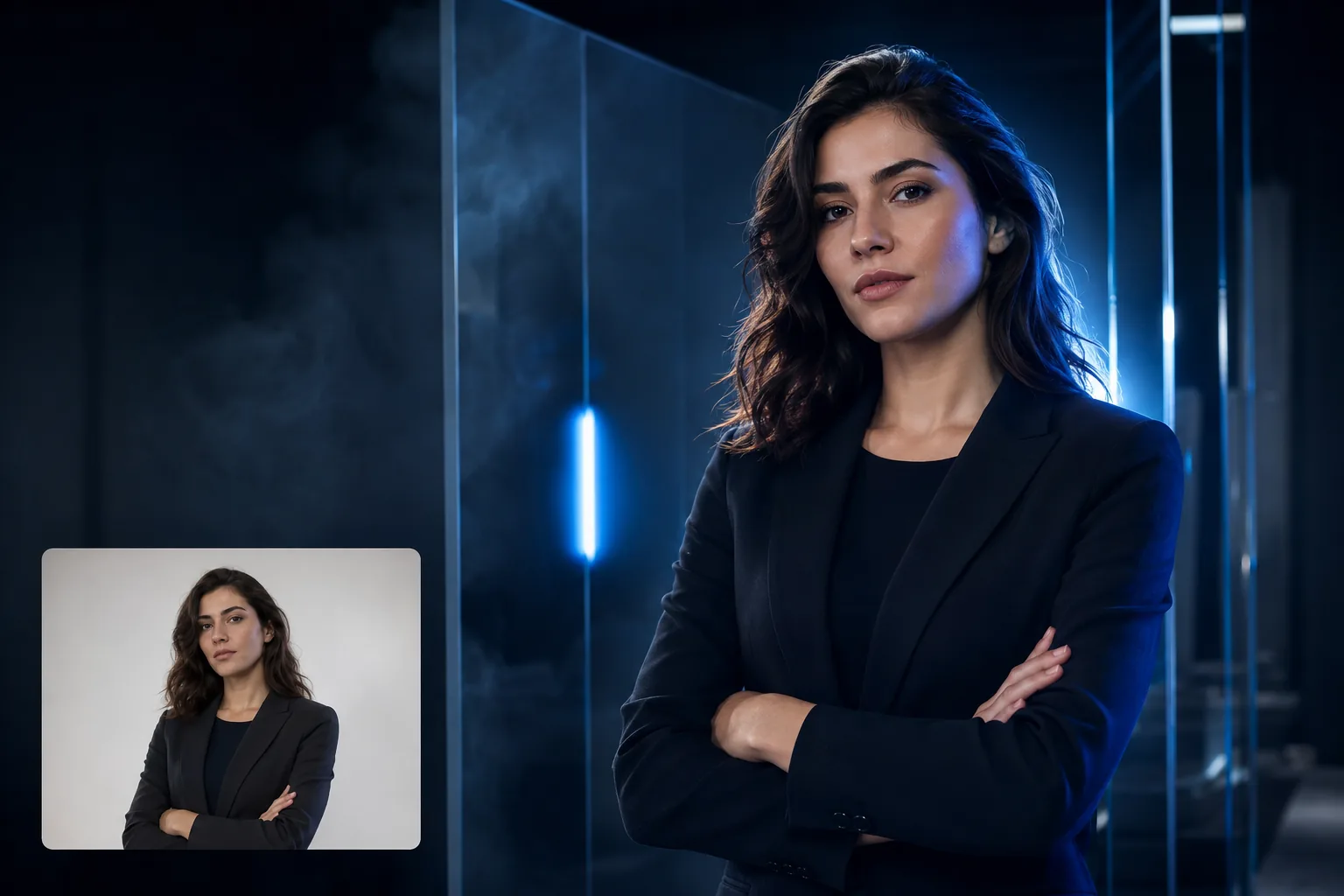
Start with one photo, or add a second image as a reference. Tell CiciGPT what to change and which details to preserve.
Photo Edit: 1 free guest edit daily. No sign-up needed to try. File support and credit details.
Compare the original photo and the CiciGPT result. Each example focuses on one change so you can judge how the editor handles the details. Open either image to inspect it.
The passerby is removed while the traveler and plaza remain recognizable. Compare the paving and background where the person used to be.
Remove the passerby behind the traveler. Rebuild the plaza naturally and keep the subject, architecture, and warm light unchanged.
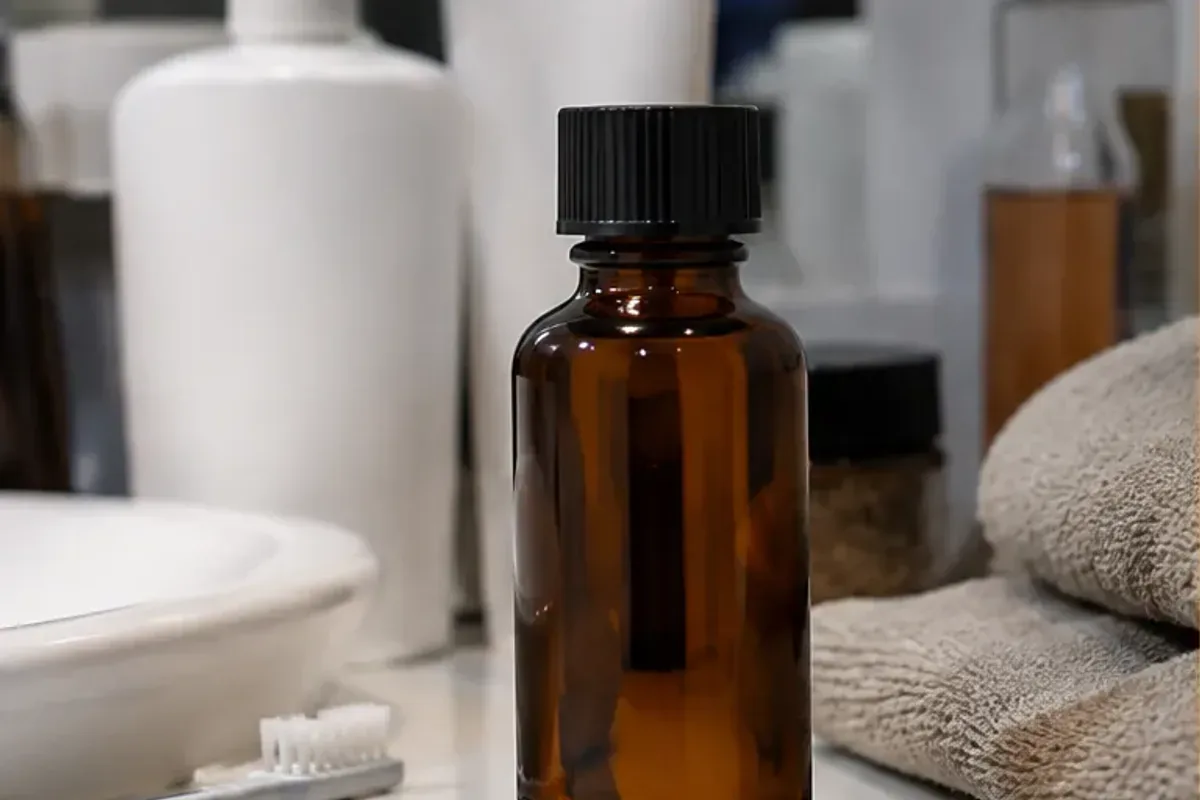
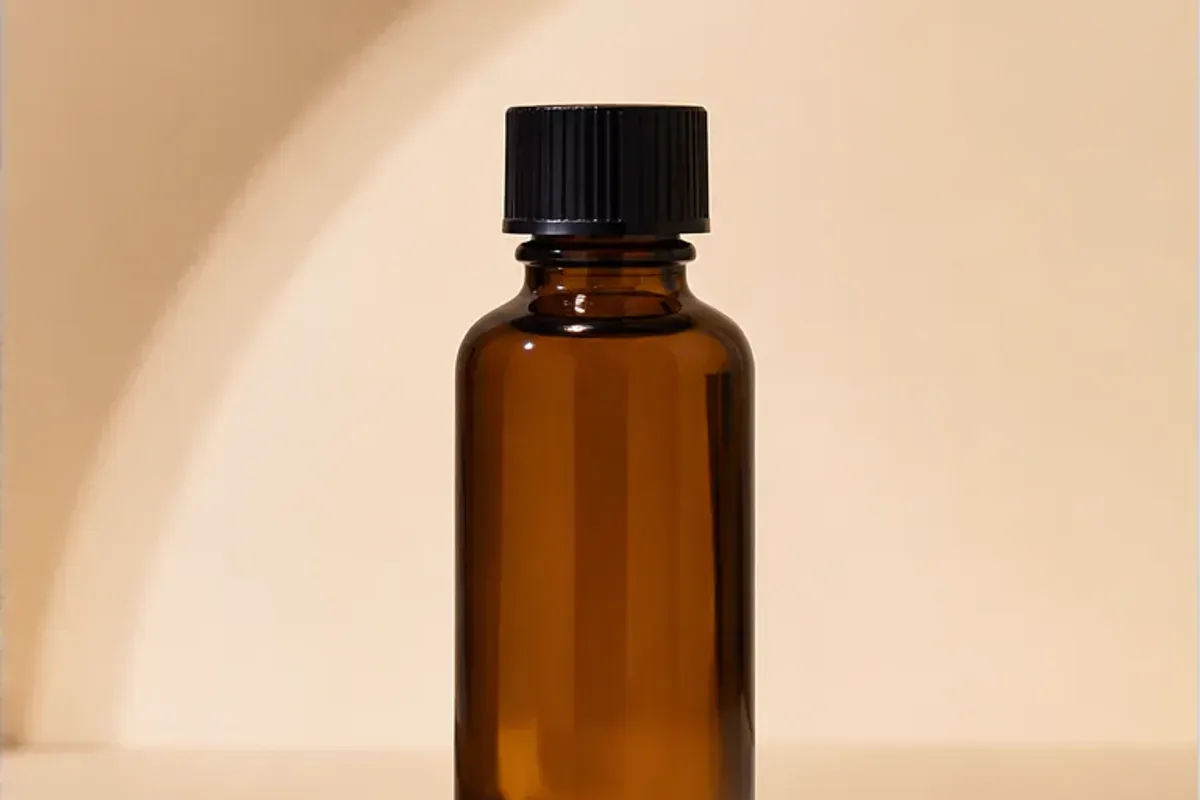
The bottle moves from a cluttered counter to a beige studio setting. Inspect the label, cap, glass edges, and contact shadow before using a product edit.
Replace the cluttered bathroom with a warm beige studio. Preserve the bottle shape, cap, amber glass, scale, and camera angle; add one soft natural shadow.
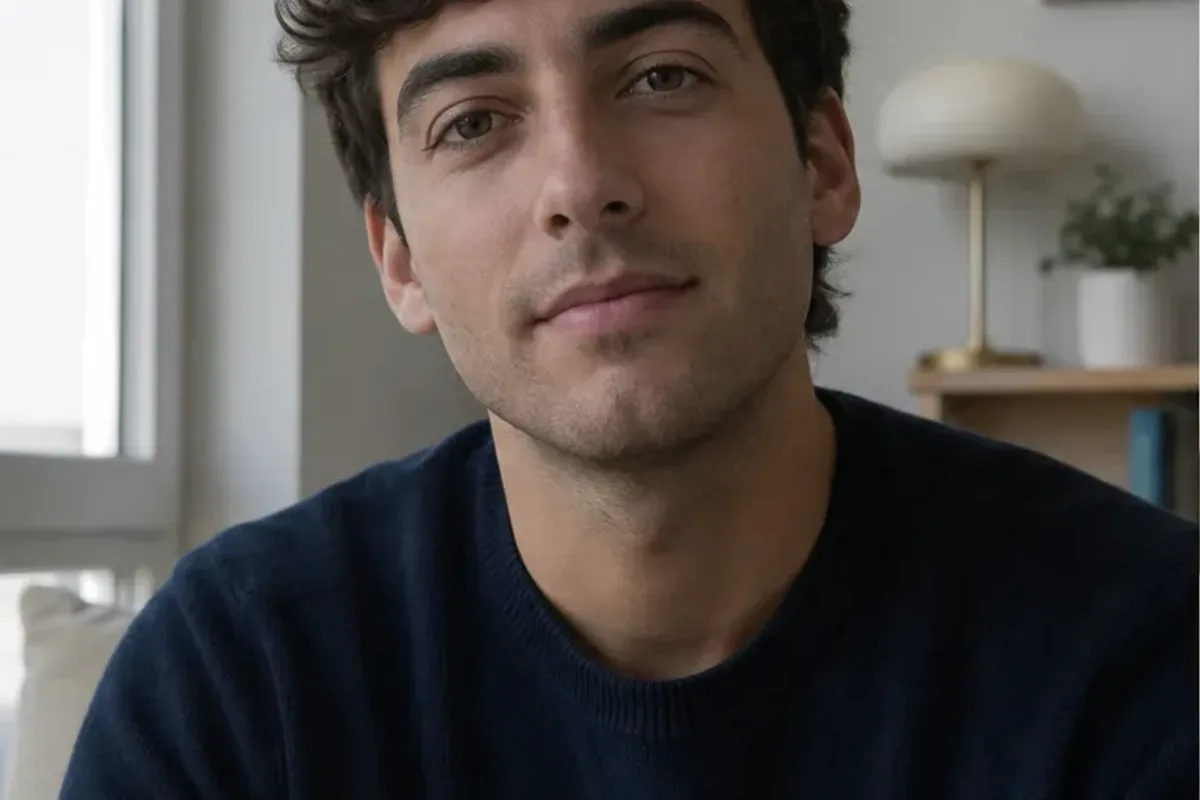
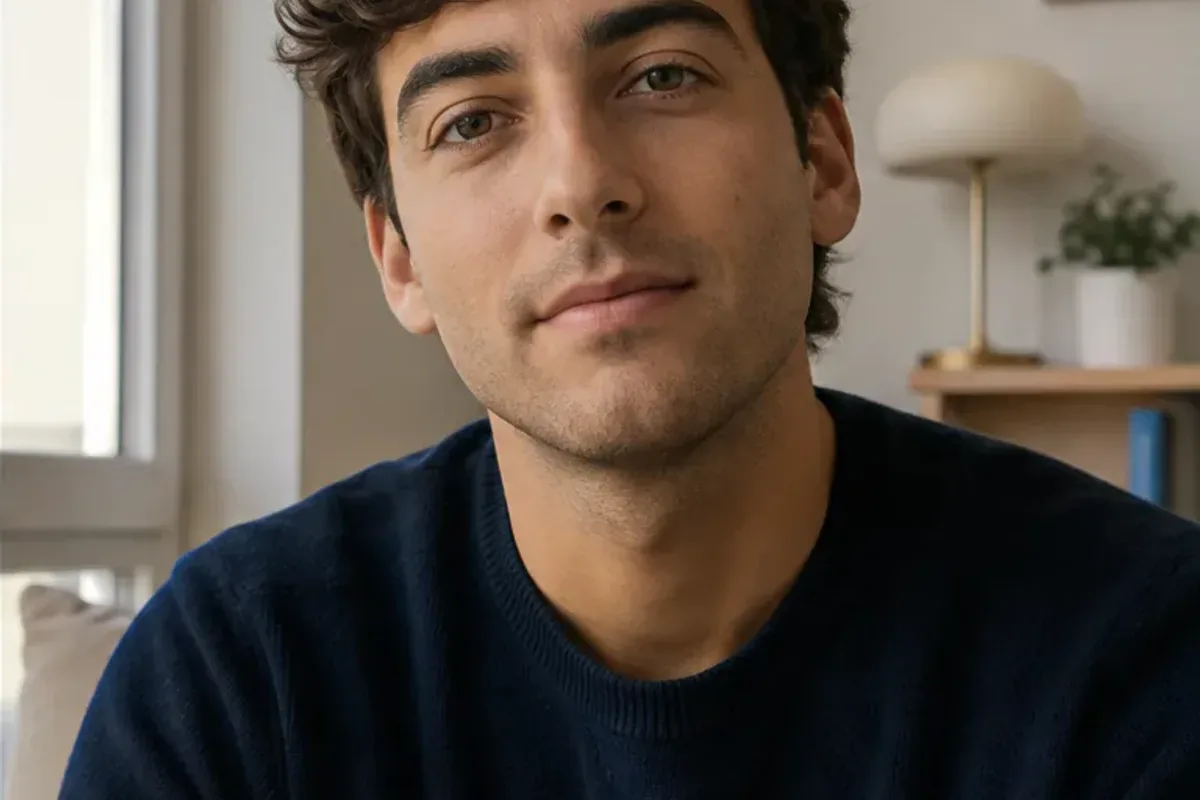
The portrait has a more balanced lighting and color direction. Compare facial features, hair, and skin texture with the original.
Balance the window light and warm the skin tone. Preserve the person’s face, hair, clothes, expression, and natural skin texture.
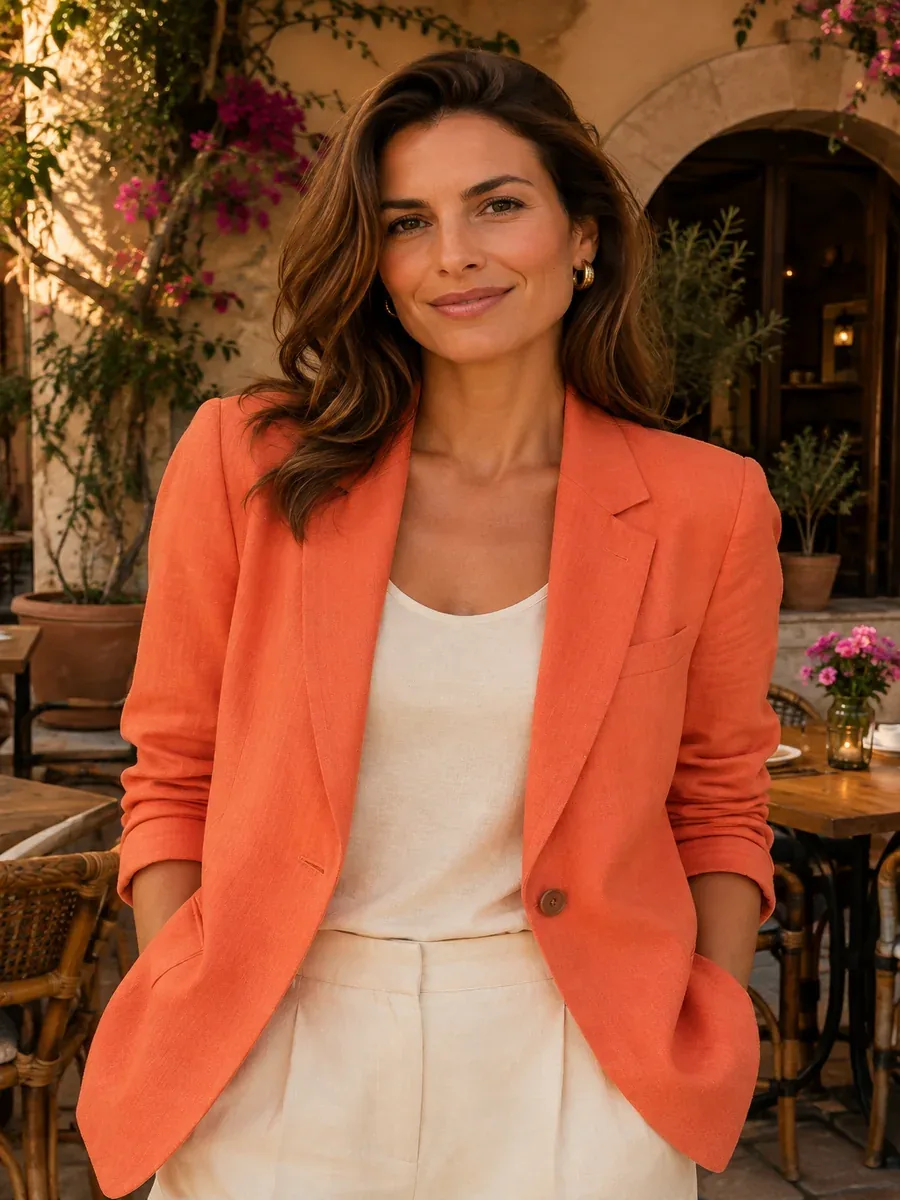
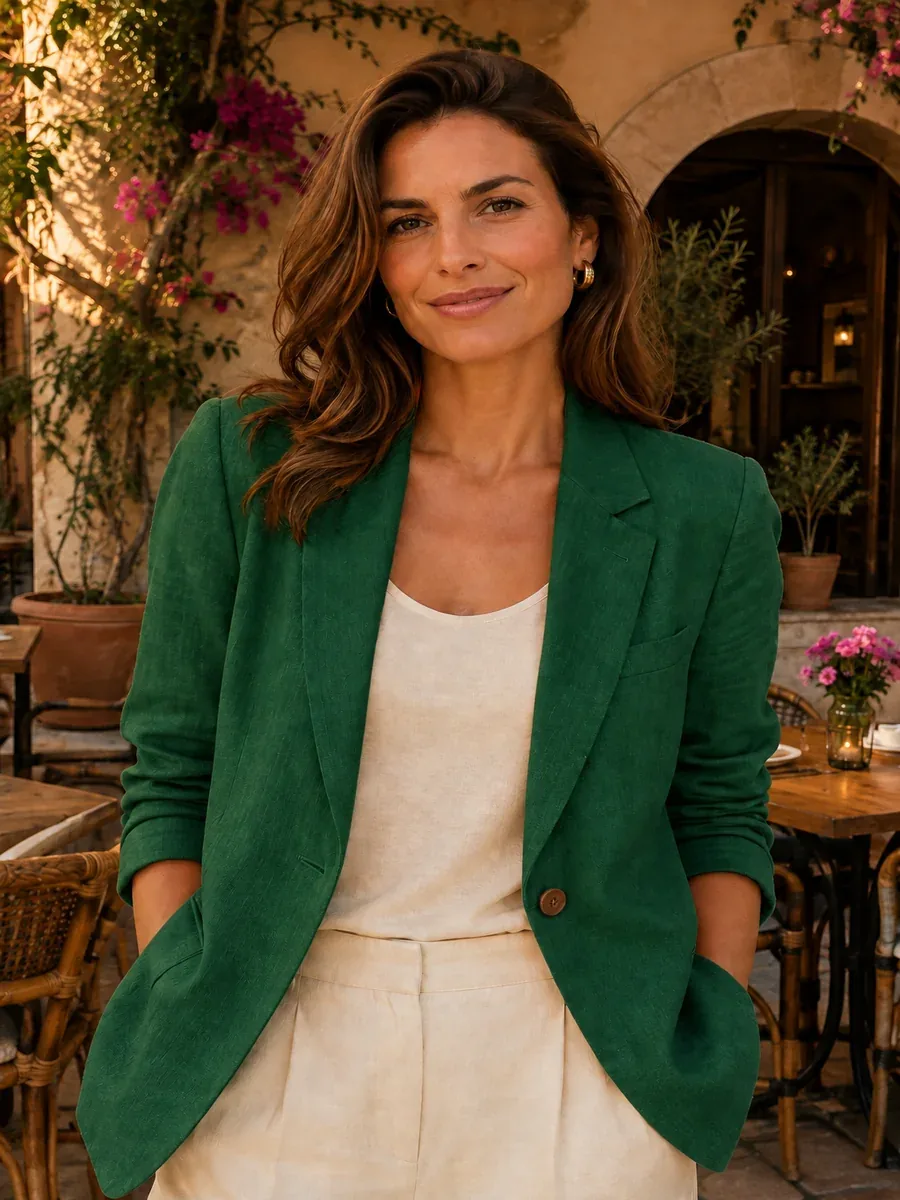
The blazer changes from coral-orange to emerald green. Compare the face, fabric folds, and courtyard details with the reference.
Change only the coral-orange blazer to emerald green. Keep the person, face, pose, fabric texture, seams, background, crop, and lighting unchanged.
Use one image for your subject and another for the scene, outfit, or visual direction. Describe the role of each reference and review the combined result.
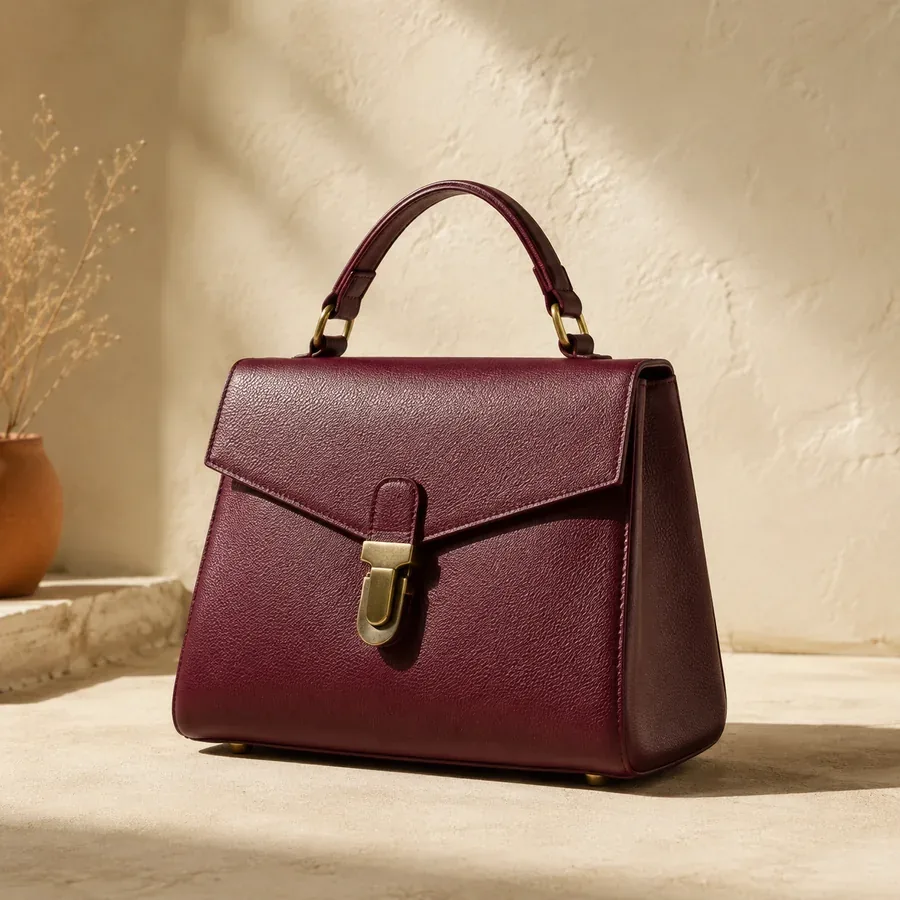

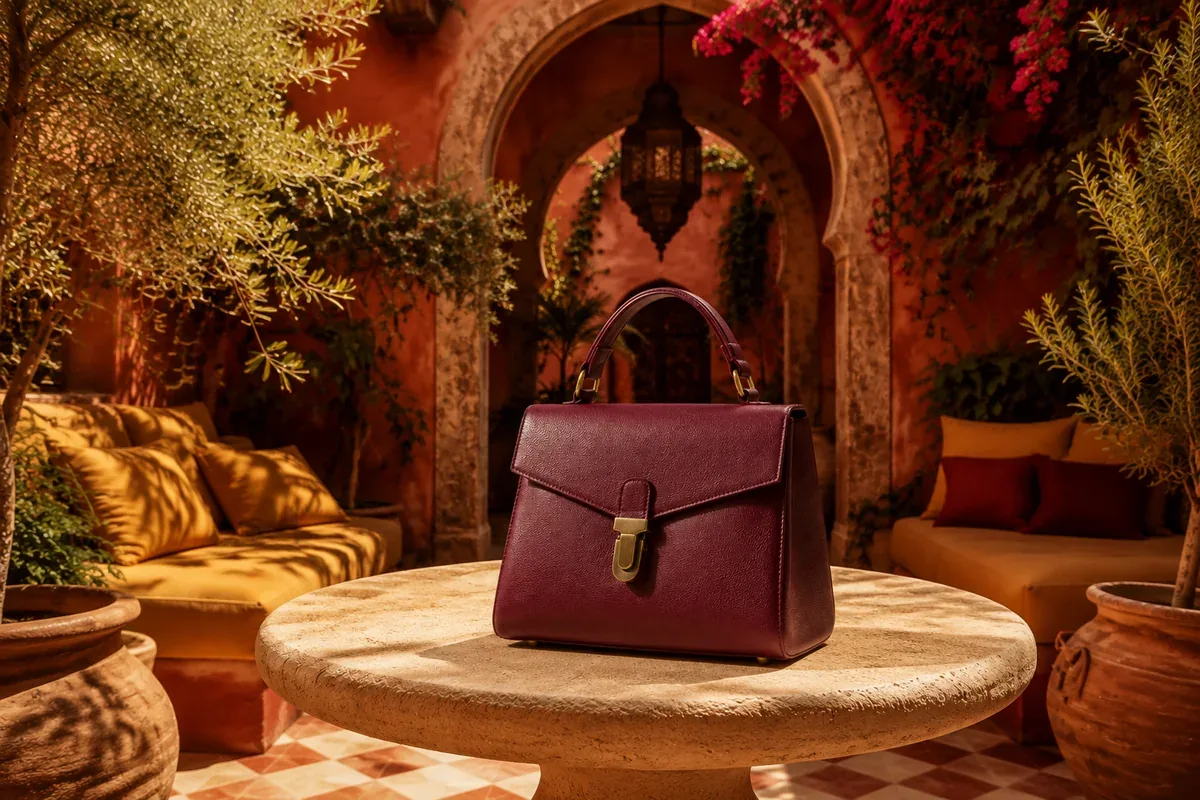
Choose a JPG, PNG, or WebP image up to 20MB. Add a second reference if your edit needs one.
Explain what to change, how it should look, and which details should stay recognizable.
Check the result, then download it in an available format. Refine your prompt if another version is needed.
Explore another clothing color while asking the editor to preserve the person and fabric details.
Describe the object, its position, and the light it should match.
Change brightness, a color cast, or the mood of a photo with a focused instruction.
Want a watercolor, anime, or painted reinterpretation? Explore image-to-image styles.
Start with one focused change. Add the look you want and the details that matter most.
Change [specific detail].
Make it [desired look].
Preserve [important features].
Make this photo better.
More specificBrighten the person’s face and neutralize the yellow lighting. Preserve the expression, skin texture, and background.
Use these two pictures.
More specificPlace the handbag from image 2 beside the person in image 1. Match the scale, perspective, and lighting. Preserve the person’s face, pose, and clothing.
Prompt buttons fill the workspace without replacing your uploads or starting generation.
An AI photo editor changes an existing photo based on written instructions. Describe an edit, such as removing an object or changing a background, and the tool creates a revised image.
Upload your photo, describe what to change and what to preserve, then generate. Review the details before downloading the result.
Yes. Photo Edit offers guests one free edit per day, resetting at midnight New York time (ET). A human-verification check may appear. GPT Image 2.5 requires sign-in.
Signed-in Photo Edit generations cost 5 credits. GPT Image 2.5 costs 2, 4, or 8 credits for low, medium, or high quality. New accounts receive 5 welcome credits once. Check the amount on Generate image before starting.
Yes. Photo Edit supports a main image and a second reference in Multiple mode. GPT Image 2.5 also supports multiple references. Explain what to take from each image; they guide one result rather than being edited as separate files.
Not always. Ask it to preserve the details that matter and inspect faces, text, edges, and small objects. A generated edit can change areas beyond the requested adjustment.
Use photo editing for a specific change to an existing photo. For a new version, style, or atmosphere guided by a reference, exploreimage-to-image generation.
When you generate, your images and prompt are sent to CiciGPT and its processing providers. Our Privacy Policy says submitted content is not used for model training. A fixed server retention period is not specified, so avoid sensitive uploads. You can delete generated images from History or contact support about a privacy request. Read thePrivacy Policy.
Upload a photo and describe one change you want to make.
Edit a PhotoPhoto Edit: 1 free guest edit daily. No sign-up needed to try.