
Photo to stickers · Made for every moodAI Sticker Maker.
AI Sticker Maker.
Your face. Every mood.
Turn a photo into a meme sticker pack that says it all. Nine exaggerated reactions, one square sticker sheet, and a whole new way to be yourself.
- Photo to stickers
- 3×3 reaction sheet
- PNG output
Sign in to generate · From 2 credits per sheet · 5 welcome credits for new accounts
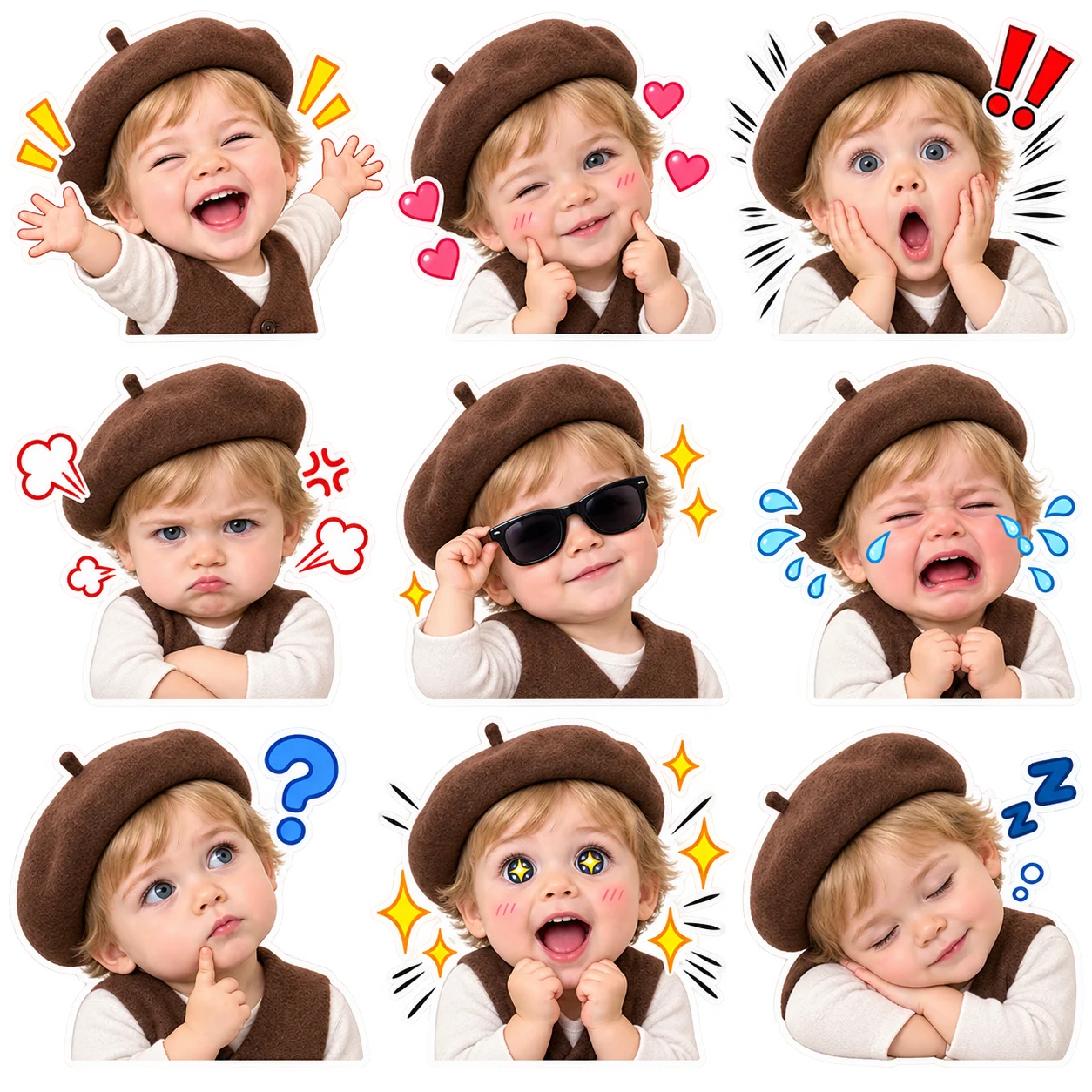
YOUR PHOTO. NINE REACTIONS.
Create your AI sticker pack
Upload your photo, try the demo prompt, and let your expressions do the talking.
AI concept example · Your generated sticker sheet will appear here.
STYLE EXPLORATION
One photo, ten sticker styles
See how the same reference becomes a different reaction pack. Try any style to load its prompt and settings into the workbench.
Exaggerated anime
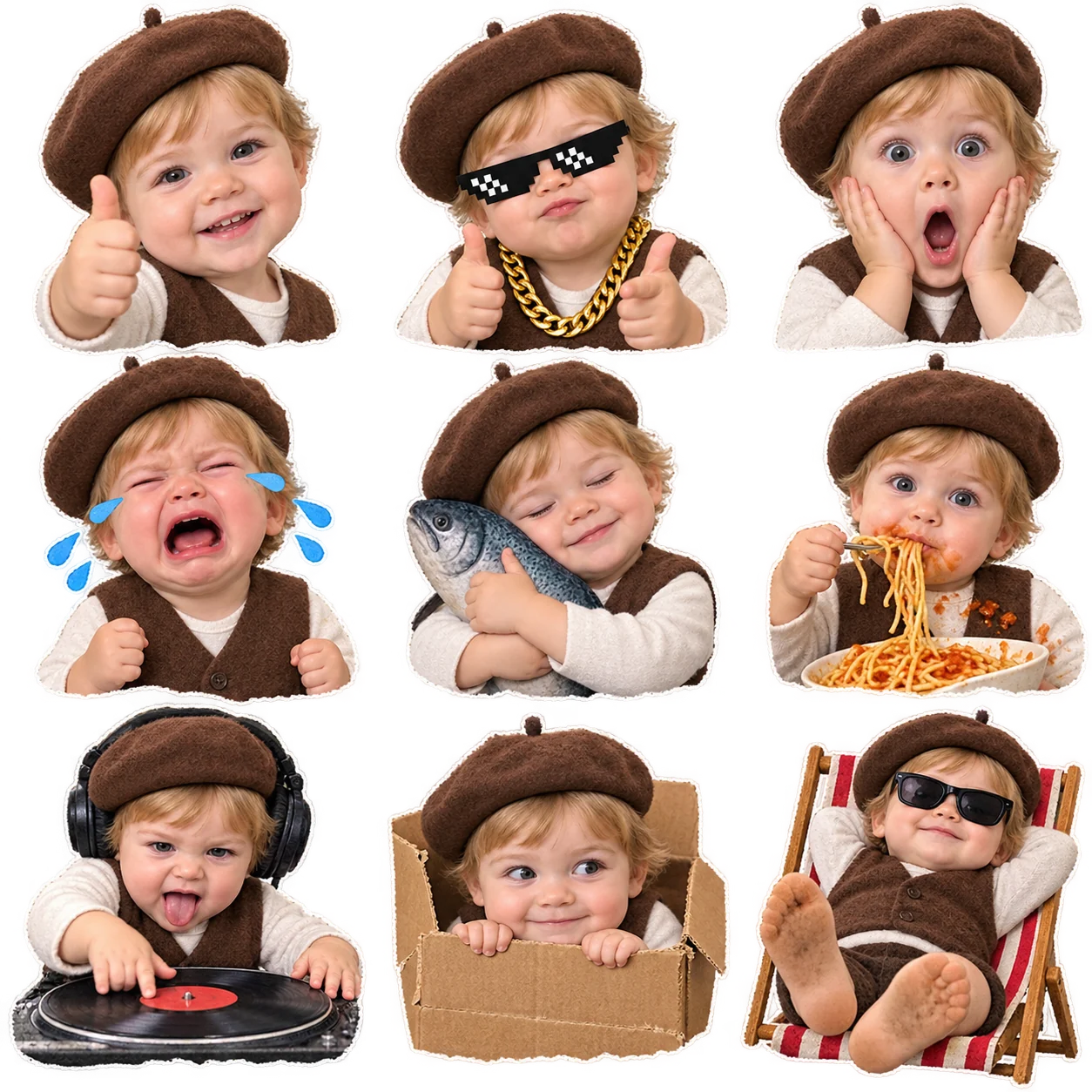
Chaotic low-fi meme
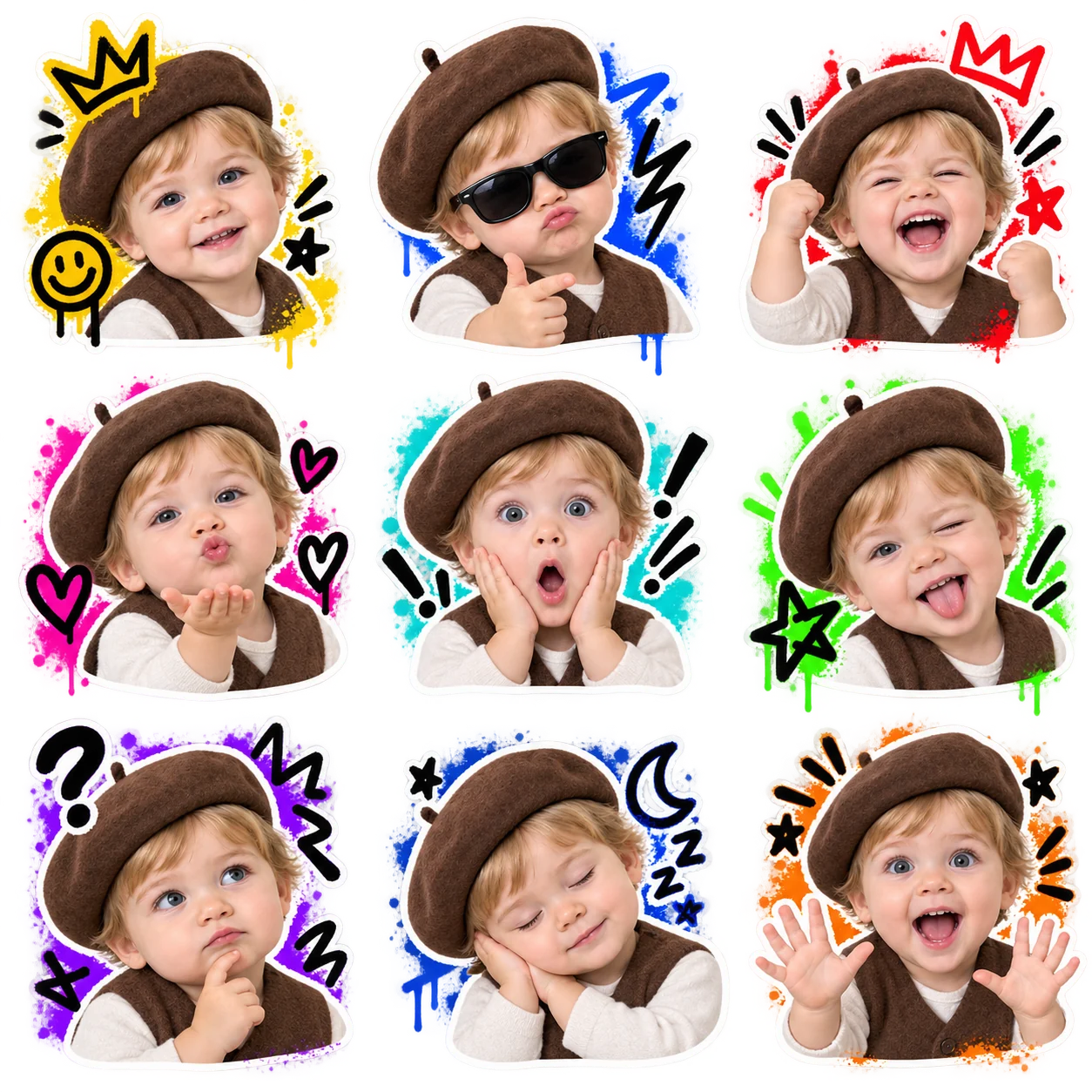
Street graffiti
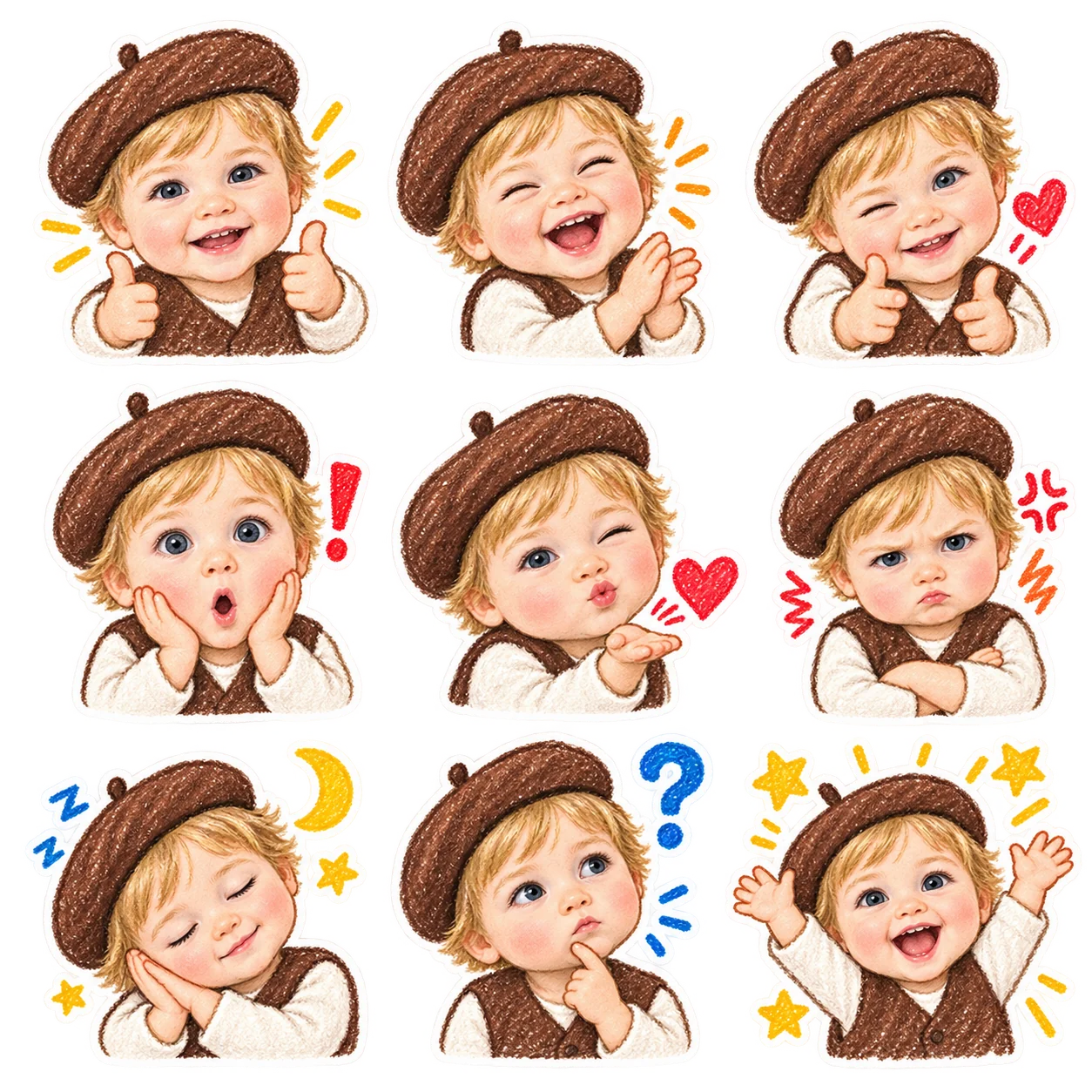
Crayon drawing
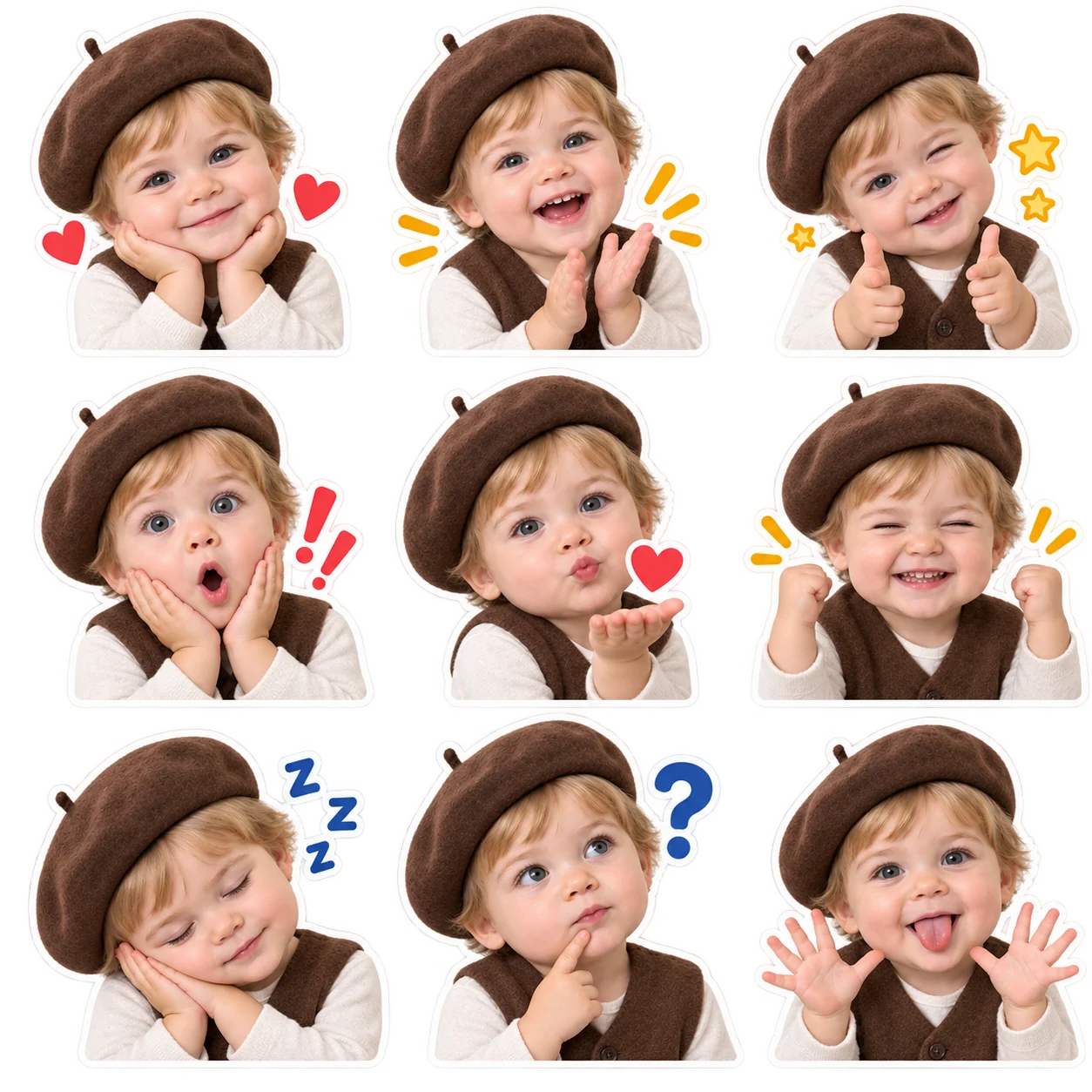
Chat sticker
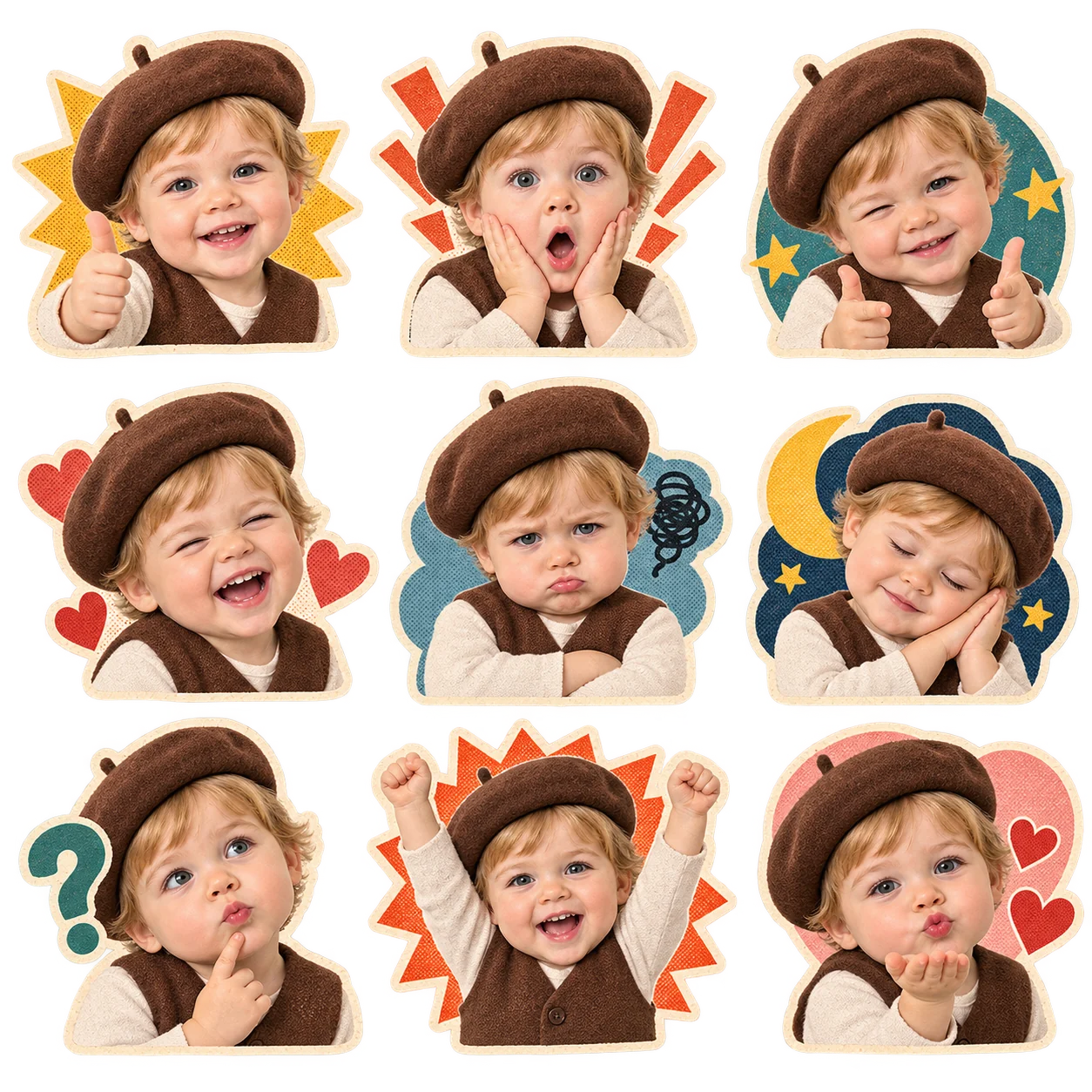
Retro paper cut
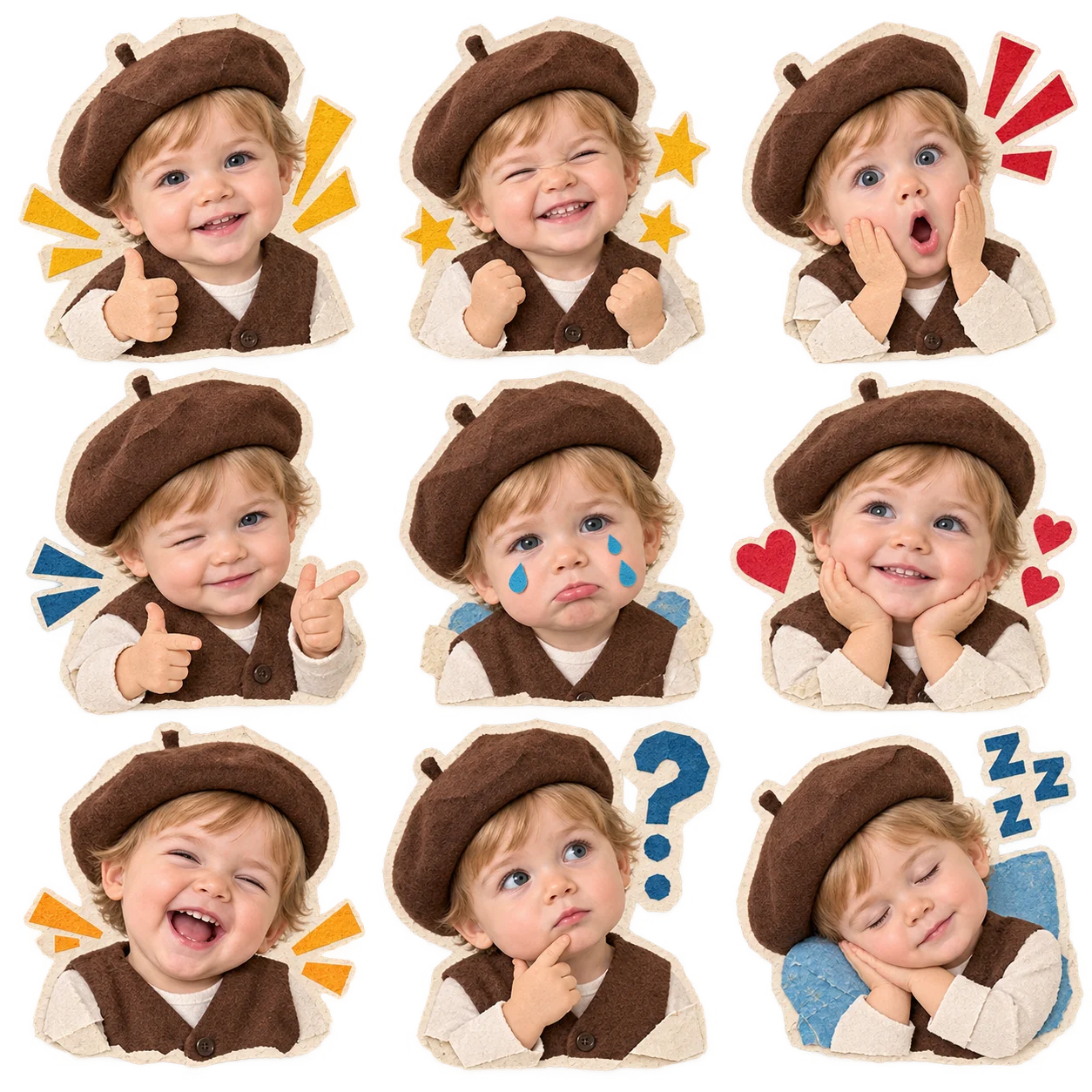
Ugly-cute paper puppet
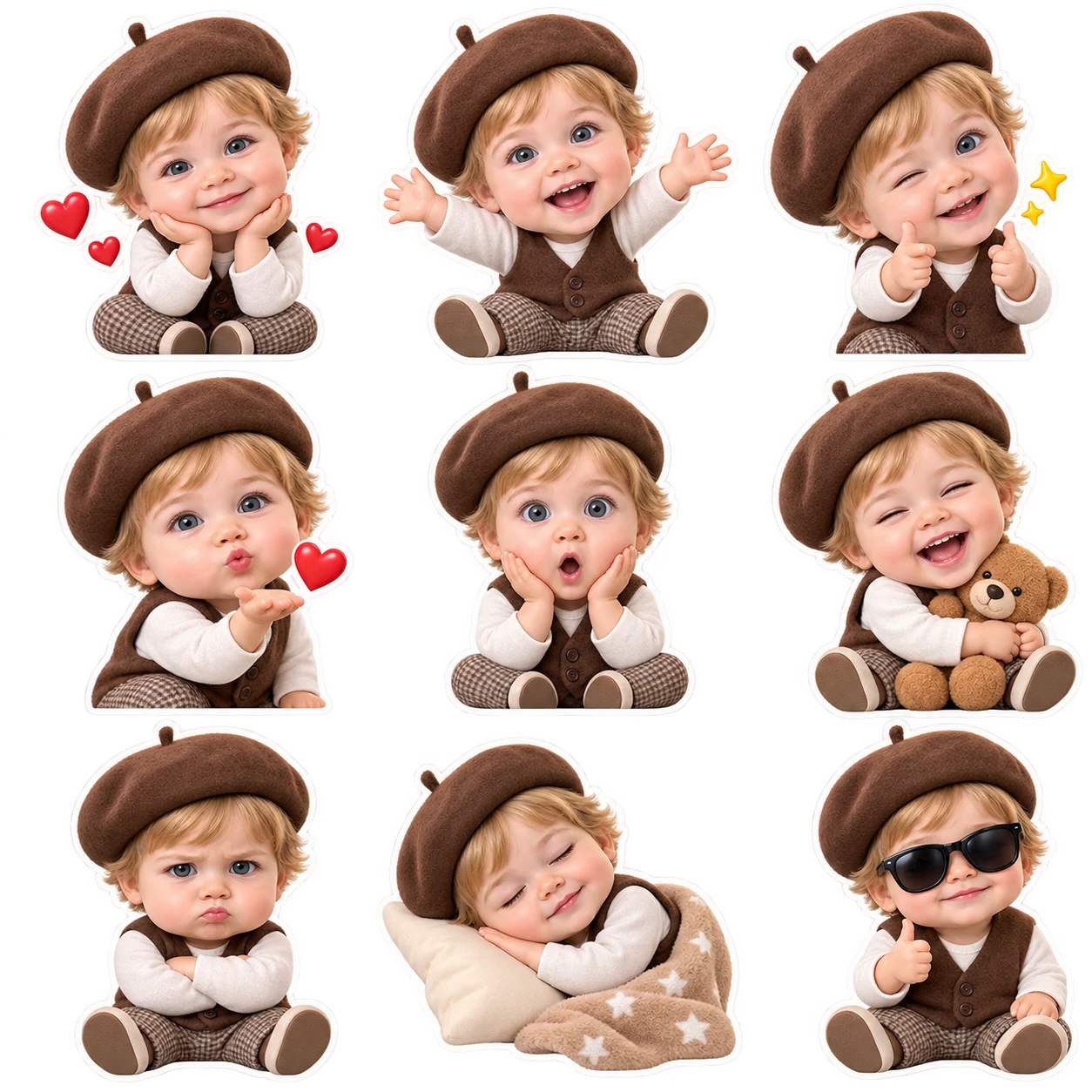
Designer toy
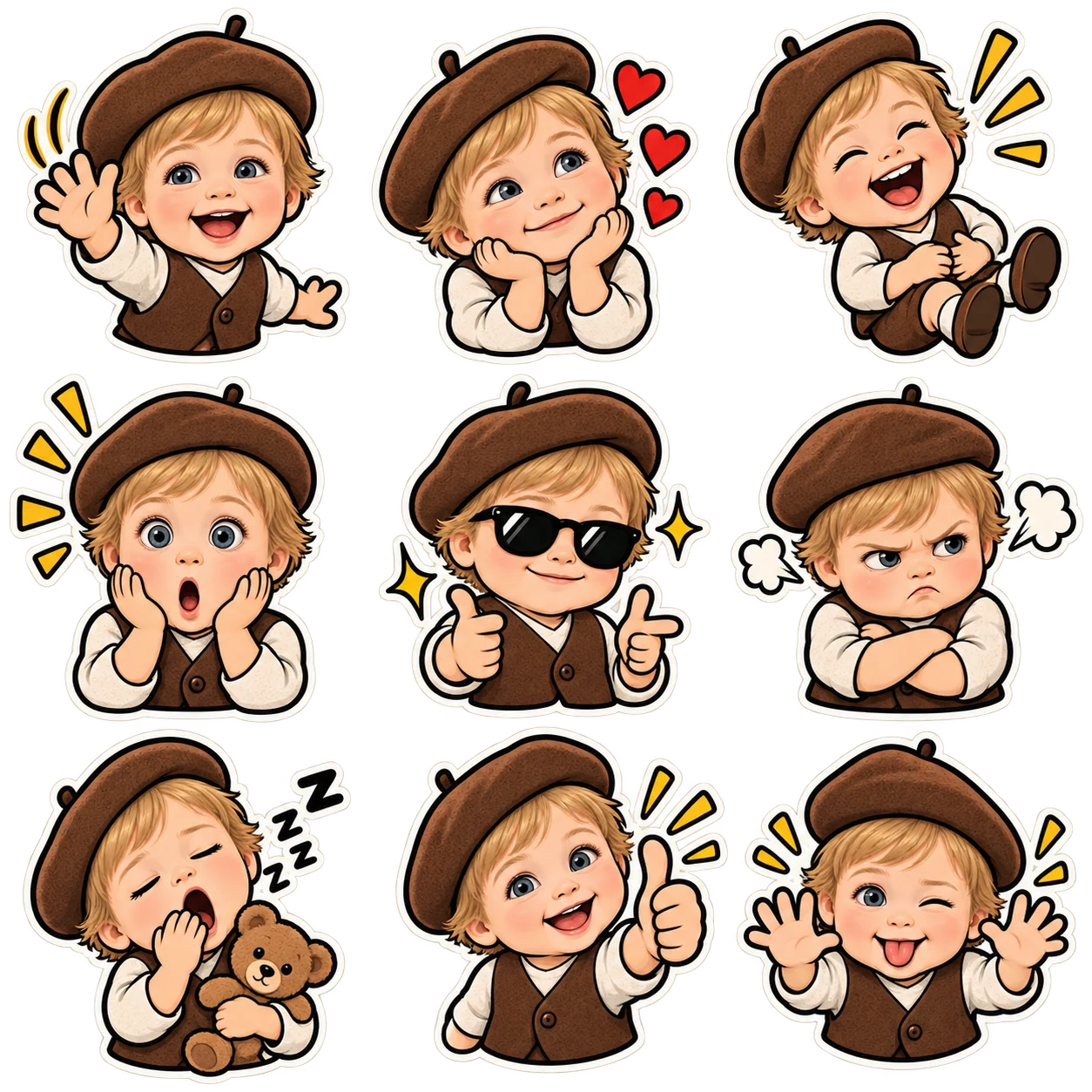
Vintage American cartoon
Explore what an AI meme sticker maker can create
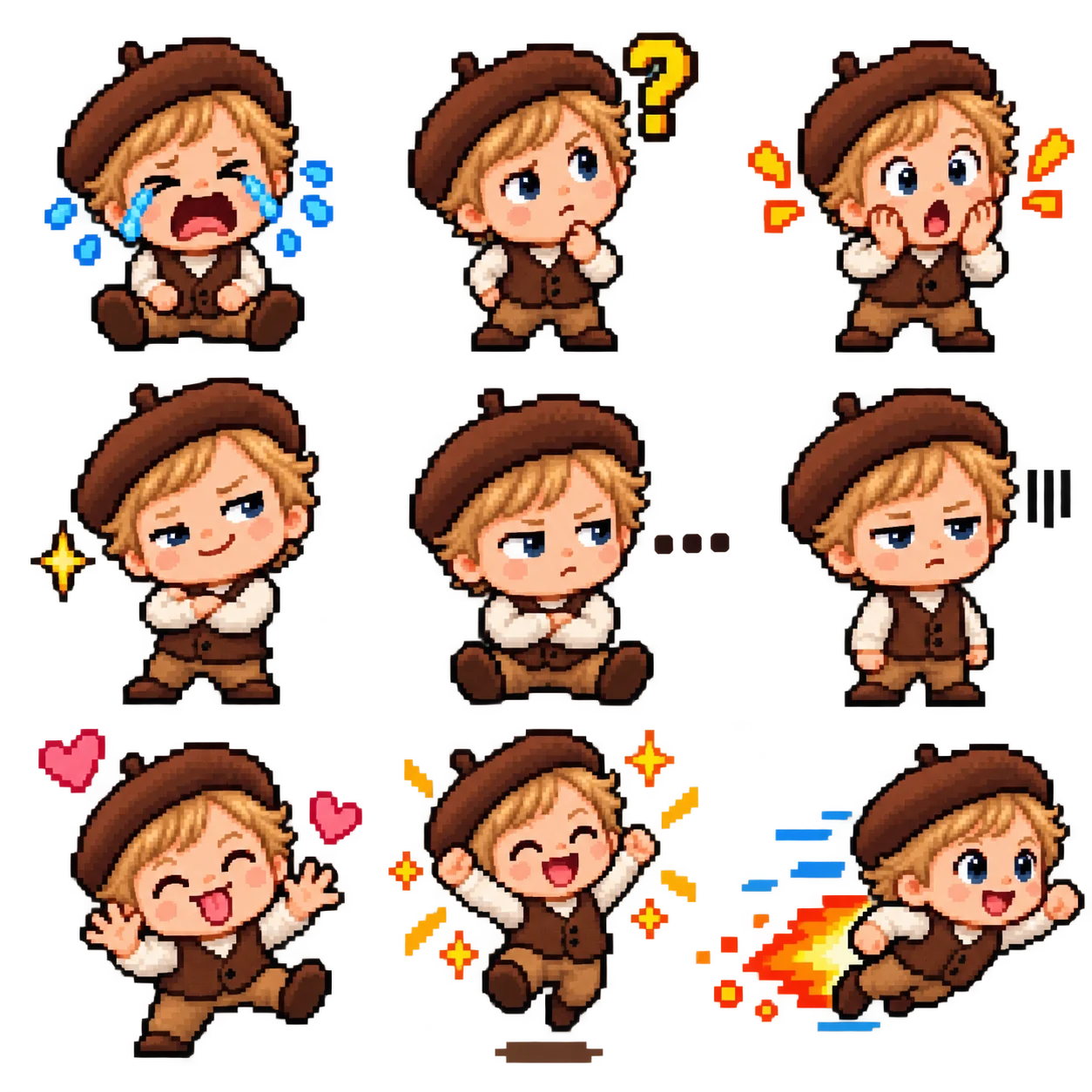
A familiar face can say a lot without a single word. CiciGPT turns your reference images into expressive sticker artwork, from real-person expressions and pet reactions to animated plants and movie-style characters. Use these AI concept illustrations to explore the look of a nine-reaction pack, then upload your own subject to make it personal.
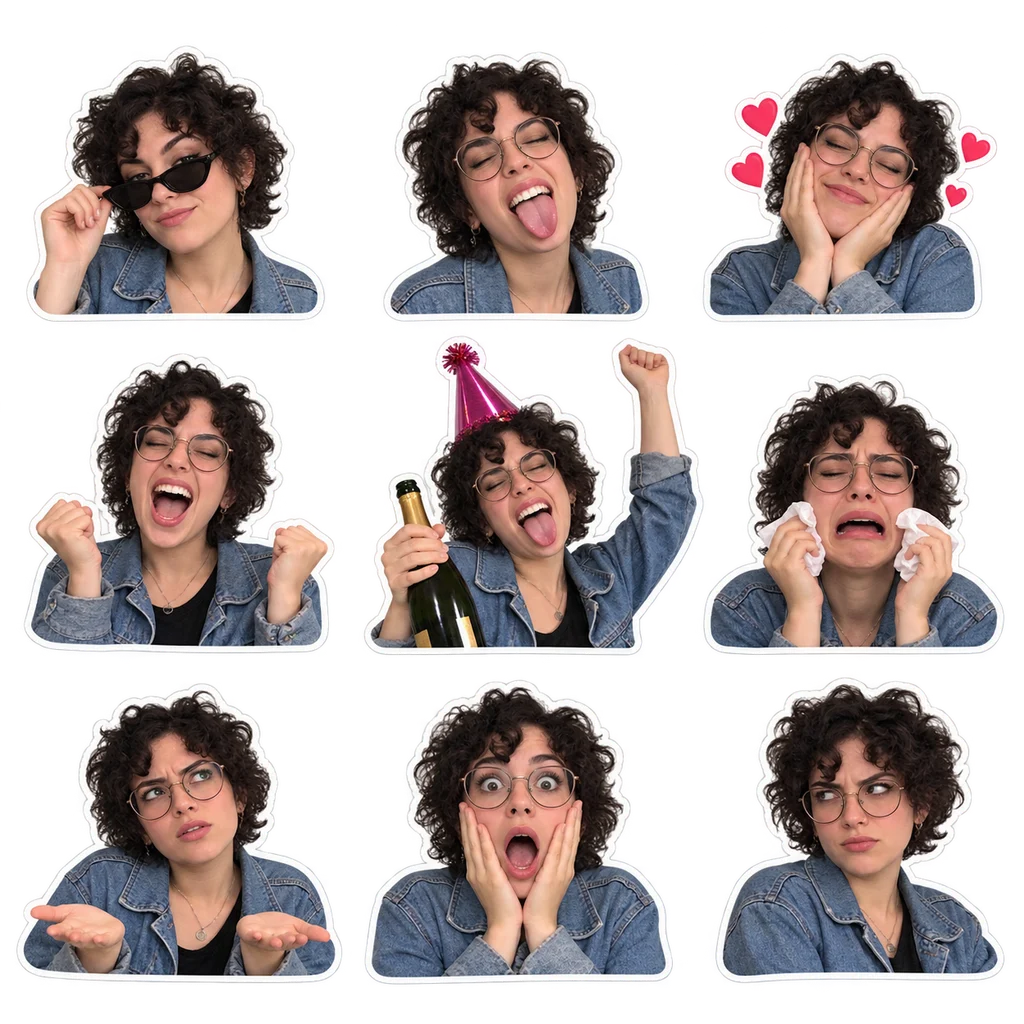
CUSTOM FACE STICKERS
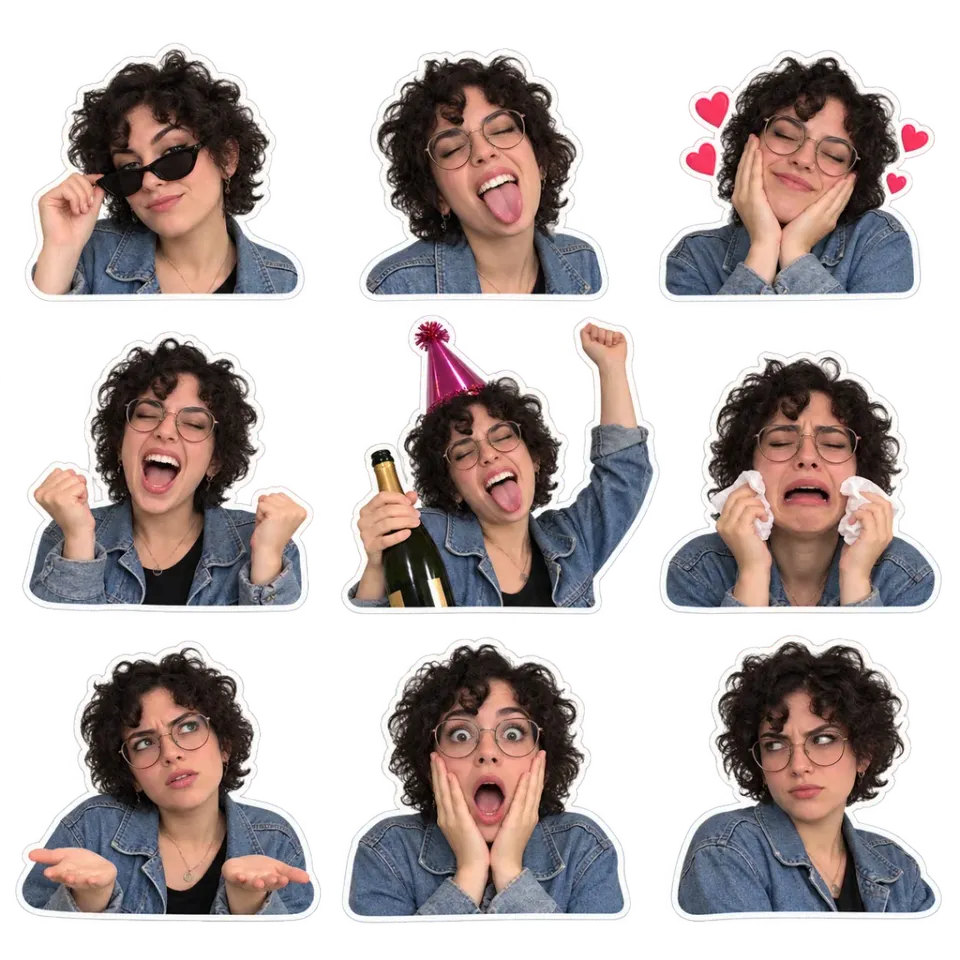
Your face, every possible mood
A portrait becomes a personal reaction library, from a mischievous grin to dramatic disbelief. Use a clear selfie to explore exaggerated expressions while keeping a familiar hairstyle and distinctive accessories.
Create your own sticker sheet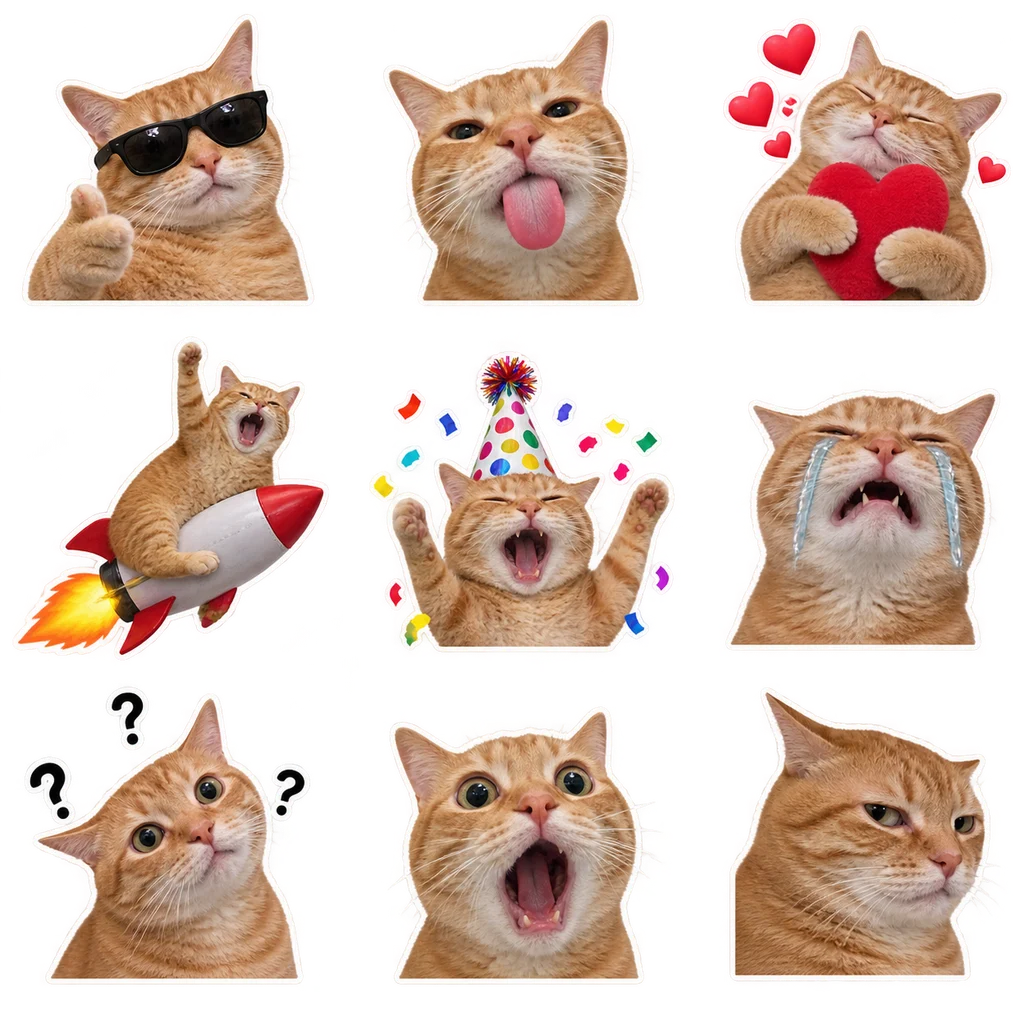
ANIMAL MEME STICKERS
From cool cat to complete disbelief
Sunglasses, hearts, party energy, and a perfectly judged side-eye turn one cat into a whole conversation. Try a favorite pet photo for a pack full of personality.
Create your own sticker sheet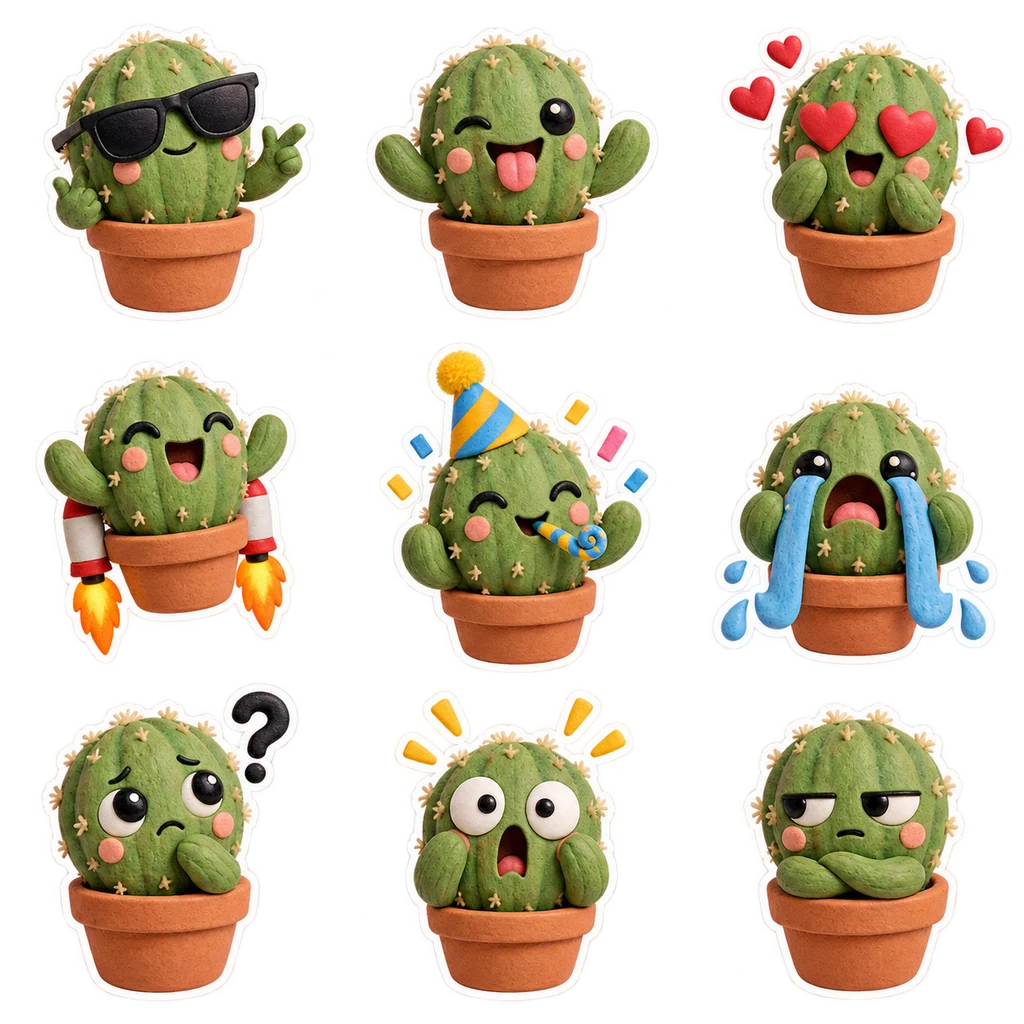
PLANT & OBJECT STICKERS
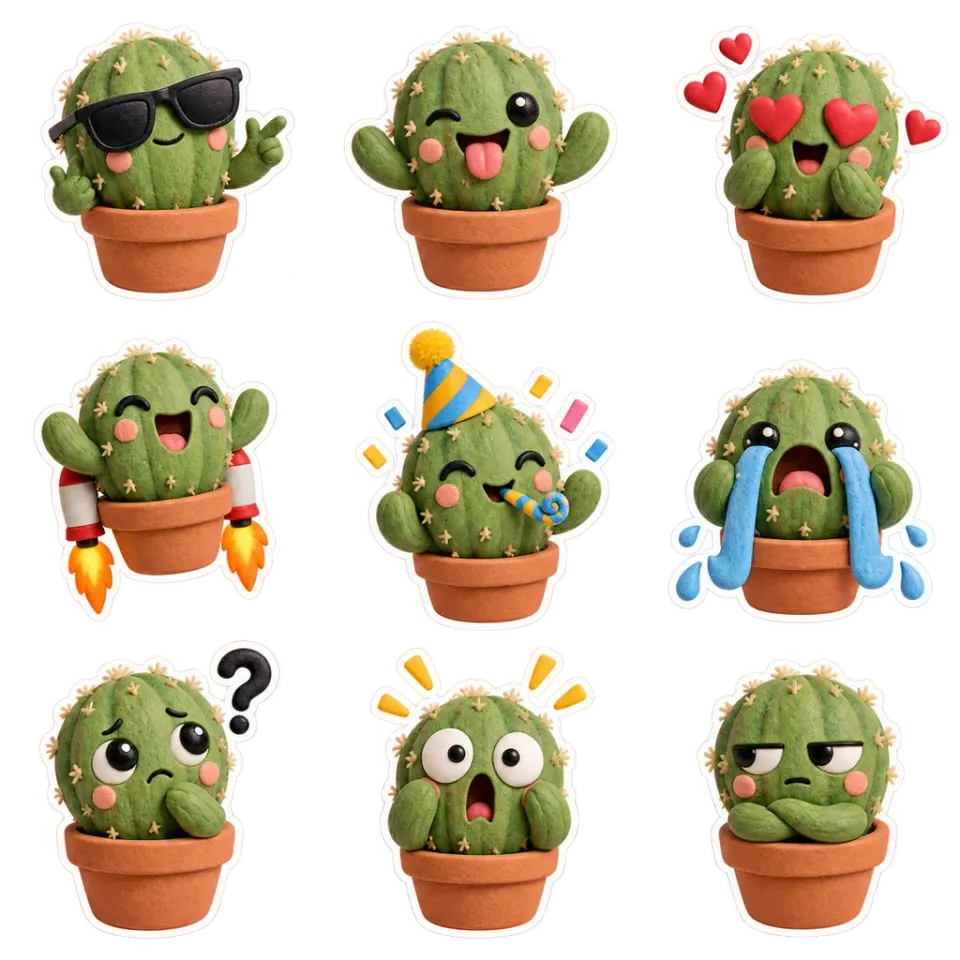
Even a cactus has feelings
A small cactus becomes a character with a big emotional range. Try flowers, houseplants, or everyday objects, and ask for expressive eyes and playful gestures to create an unexpected meme pack.
Create your own sticker sheet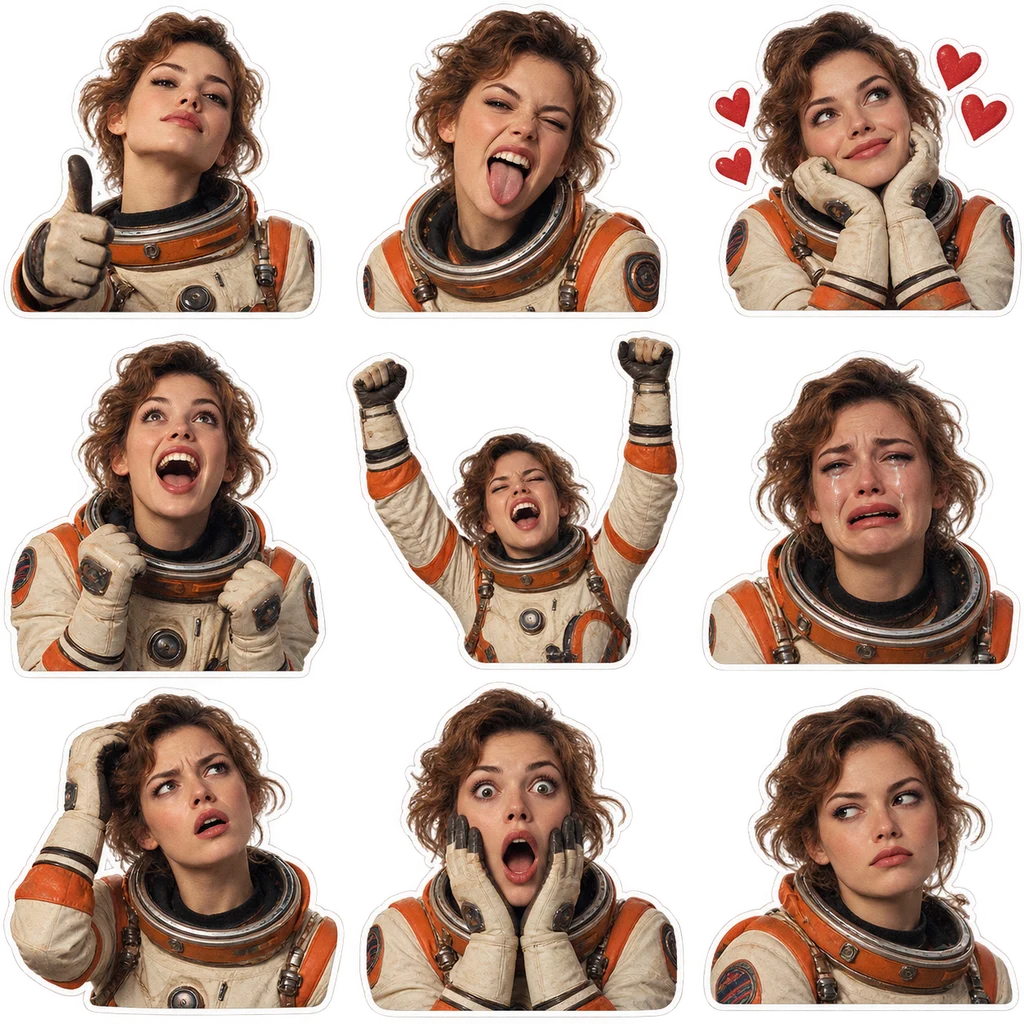
MOVIE-STYLE REACTION STICKERS
Bring a little cinema to the chat
An original space explorer mixes film-grain texture, a distinctive costume, and dramatic reactions. Explore cinematic genres with your own characters or reference material you have permission to use.
Create your own sticker sheetMore ways to turn pictures into custom AI stickers
Use the online photo to sticker maker for portraits, pets, and original characters. The reference provides the subject; your prompt gives the reactions and visual direction.
Turn your selfie into face stickers
Create personalized reaction stickers from a clear portrait. A recognizable hairstyle, glasses, or expression gives your pack personality, while the meme treatment pushes every reaction further.
Try this: Choose a well-lit photo with one clearly visible face.
Make cat and dog stickers
Turn your pet’s everyday look into dramatic crying, suspicious side-eye, or a celebratory grin. Cat meme stickers and dog reaction stickers work especially well when the eyes and ears are easy to see.
Try this: Avoid photos where fur, ears, or the face are hidden.
Create original character stickers
Use your own illustrated character or mascot as a visual reference. Explore a coordinated set of expressive poses for a community, creative project, or personal chat collection.
Try this: Start with an uncluttered image of one character.
Generate exaggerated meme reactions
The demo prompt combines crying, confusion, shock, smugness, and deadpan disbelief with playful emoji-inspired moments. Low-fi cutout textures and awkward poses give the artwork its internet-reaction style.
Try this: Use the demo recipe or write your own reaction ideas.
Build a matching 3×3 sticker sheet
Generate nine requested reactions together on one square canvas. A shared reference helps the stickers feel like a set, with wide gaps intended to keep the individual cutouts separate.
Try this: Download the sheet and crop each cell into its own file.
Use multiple reference photos
Add another view of the same subject in Multiple Images mode. Clear, consistent references can help communicate the face, markings, or character details you want the AI to carry into the sticker artwork.
Try this: Use references of the same subject for a coherent pack.
FROM CAMERA ROLL TO REACTION
How to make AI stickers from a photo
Start with a clear reference and the demo prompt, or describe a sticker idea of your own. You do not need to draw each reaction by hand.
Create my stickersUpload your reference image
Choose a JPG, PNG, or WebP up to 20MB. Use a selfie for face stickers, a pet photo for animal reactions, or your own character artwork. Add more views using Multiple Images when useful.
Try the demo or write your idea
The input shows the meme sticker recipe as a demo. Click Use demo prompt to edit it, or leave the input empty to use the preset. Describe a different mood or character treatment if you want your own direction.
Generate and review your sheet
Sign in, generate, and inspect the result. The demo requests nine stickers on a square canvas. Check expressions, subject consistency, spacing, and the downloaded PNG’s transparency.
Crop and share your favorites
Download the complete sheet, then crop each sticker in an image editor. Leave a little padding around the outline and prepare the individual files for your intended platform.
Personalized stickers for chats, creators, and communities
A custom sticker can make an ordinary reply feel more personal. Build around a subject your audience already recognizes and choose reactions that fit the way you actually talk.
Personal chats
Build a custom sticker pack around your own reactions: the side-eye for questionable plans, the shocked face for surprising news, and the celebration for a small win.
Pet lovers
Give your cat, dog, or other pet a starring role in the conversation. A pet sticker maker turns familiar expressions into a playful set you can share with friends.
Content creators
Create recurring reaction artwork for community posts, video thumbnails, and social images. Keep your reference subject consistent so the stickers share a recognizable character.
Communities & group chats
Try original mascot stickers for a club, gaming group, or online community. Make a small library of reactions people can use in everyday conversations.
Friends & celebrations
Make a personalized reaction sheet for a birthday, graduation, or shared joke. Use photos with permission and choose expressions that suit the person and occasion.
Designers & creative teams
Explore a character’s emotional range before refining a final sticker collection. Use the generated sheet as a visual concept, then check outlines and crop the assets for your project.
ONE SHEET, NINE MOODS
Transparent PNG sticker artwork with room to crop
The demo requests a 3×3 arrangement with wide, fully transparent gaps between stickers. Each reaction has its own space, so you can separate the cells without cutting through neighboring artwork.
PNG can preserve transparent areas in the returned image. Inspect the actual file: a checkerboard drawn into the image is not transparency. If the model returns an opaque background, remove it in an image editor before importing your stickers.
The download contains one square sheet. You can keep it as a reaction collage or crop the nine individual stickers for a custom pack.
Tips for better photo to sticker results
Strong source images and a clear request help the generator understand your subject. Before making another sheet, check what worked in the first result and adjust the detail that matters most.
Start with a clear subject
A sharp portrait with visible eyes and an uncluttered silhouette is easier to interpret than a distant group photo. For pets, include distinctive ears and markings.
Keep references consistent
Several views of one person or character give a clearer direction than unrelated subjects. Avoid mixing references with conflicting clothing or heavily different drawing styles.
Describe the reactions you want
Use the demo for a ready-made meme pack. For custom instructions, name the subject, reactions, cutout style, nine-cell grid, and transparent gaps so the layout stays part of the request.
Inspect at sticker size
Zoom out after generation. Expressions should still read when small. Check faces, paws, hands, and decorative elements, then crop without clipping the white outline.
AI sticker generation, background removal, or photo editing?
These tools solve different creative tasks. Decide whether you want new expressions, a cutout of the existing image, or a change to the original photo.
| Approach | Best for | What to expect |
|---|---|---|
| AI sticker maker | Inventing new reactions from a reference | New poses and expressions in a requested sticker sheet. Review the likeness and layout. |
| Background removal | Cutting out an existing expression | A cutout of the original subject. It does not create a new emotional range by itself. |
| AI photo editing | Changing a photo’s appearance or scene | Prompt-based edits to the supplied photo. Use the AI photo editor for broader changes. |
| Image to image | Exploring another visual style | A new interpretation guided by your reference. Use image to image to explore a full portrait illustration or a new scene before turning your character into reactions. |
Make sticker artwork for WhatsApp, Telegram, and Discord
Create the artwork here, then prepare it for the app where you want to share it. CiciGPT returns a sheet; it does not install a sticker pack or upload images to your chat accounts.
WhatsApp sticker artwork
Create personal face or pet reactions for everyday chats. Crop the sheet into separate images and use a compatible sticker import workflow to assemble your pack.
Telegram sticker artwork
Plan a coordinated set around one subject and a range of moods. Prepare individual images from the sheet, then check Telegram’s current requirements before importing.
Discord reaction stickers
Try a community mascot, a surprised face, or a celebration pose. Keep the expression readable at a small size and prepare the cropped file for your server’s sticker workflow.
BEFORE YOUR FIRST PACK
Try the AI sticker maker with welcome credits
New accounts receive 5 welcome credits on first registration. This sticker workspace uses 2 credits per generation. You can see the cost on the generate button before starting.
Explore credit packsYour photos and your creative choices
Upload images you own or have permission to use. Reference files and your instructions are sent to the generation service when you generate. Read the Privacy Policy for image handling information.
AI can change facial features, markings, and small details. Review the result before sharing, especially when it includes another person or a recognizable character. See our Terms for usage conditions.
GOOD QUESTIONS
AI sticker generator FAQ
From photo uploads to your finished sticker sheet.
What is an AI sticker maker?
An AI sticker maker turns a reference photo into expressive sticker artwork. CiciGPT uses your uploaded images to create a square sheet of nine meme-style reactions in a 3×3 grid.
How do I turn a photo into stickers?
Upload a clear portrait, pet photo, or character image in JPG, PNG, or WebP format, up to 20MB each. Use the demo prompt or describe your own idea, then generate. Leave the prompt empty to use the built-in meme recipe, or click Use demo prompt to fill and edit it.
Is the AI sticker generator free?
GPT Image 2.5 requires sign-in. A sticker sheet in this workspace costs 2 credits. New accounts receive 5 welcome credits on first registration. The guest allowance for Photo Edit does not apply to this tool.
Does it create transparent PNG stickers?
The tool requests a transparent background and uses PNG output to preserve transparency when returned by the model. Check the downloaded file: generated images can sometimes contain an opaque or simulated background.
Can I make WhatsApp, Telegram, or Discord stickers?
You can create artwork for those platforms. CiciGPT downloads one sticker sheet, not an installable sticker pack. Crop the nine stickers, check each platform’s current file and size requirements, then import them with that platform’s sticker tools.
Can I create custom face stickers and pet stickers?
Yes. Try a clear selfie, a cat or dog photo, or an original character. The preset explores crying, confusion, shock, smugness, side-eye, and other exaggerated reactions. AI may change small features, so review the likeness.
Will I receive nine separate sticker files?
No. Each generation returns one square PNG sheet containing a requested 3×3 arrangement. Separate the stickers in an image editor if you need individual files. Wide gaps are requested to make cropping easier.
Can I use the sticker artwork commercially?
Use references you own or have permission to use, and review the output for third-party likenesses, characters, and logos. See our Terms for the service’s usage conditions.
Can I write my own sticker prompt?
Yes. The input starts empty and shows the demo as a placeholder. Click Use demo prompt to fill it, then edit the subject, mood, or style. An empty input uses the original meme recipe. Keep the grid and transparent-gap instructions if you want the same layout.
Can I make plant or object stickers?
Yes. Try a clear photo of a plant, flower, or everyday object. Ask for expressive eyes, gestures, and emotions in your prompt if you want an anthropomorphic character. Review the result because the model invents these features.
Can I create movie-style reaction stickers?
You can explore cinematic moods with your own characters and reference images you have permission to use. Describe a genre, costume, lighting, or film-grain treatment. The cinematic example on this page uses an original fictional space explorer.
How is a sticker sheet different from a sticker pack?
A sheet is one image containing several stickers. A pack usually contains separate files prepared for a messaging app. Download the generated sheet, crop the individual reactions, and use your chosen app’s import process.
Why does my sticker have a background?
Transparency is requested through the prompt, but the model may generate an opaque background or a visible checkerboard. Check the file in an image editor and remove any unwanted background before using it as an individual sticker.
Does uploading multiple photos create multiple sticker sheets?
No. Multiple Images mode uses the uploaded references together for one generation. It is useful for additional views of a subject, rather than producing a separate pack for every uploaded photo.
Your next reaction deserves a sticker.
Start with one photo. Make a whole mood.
Create my sticker sheet